

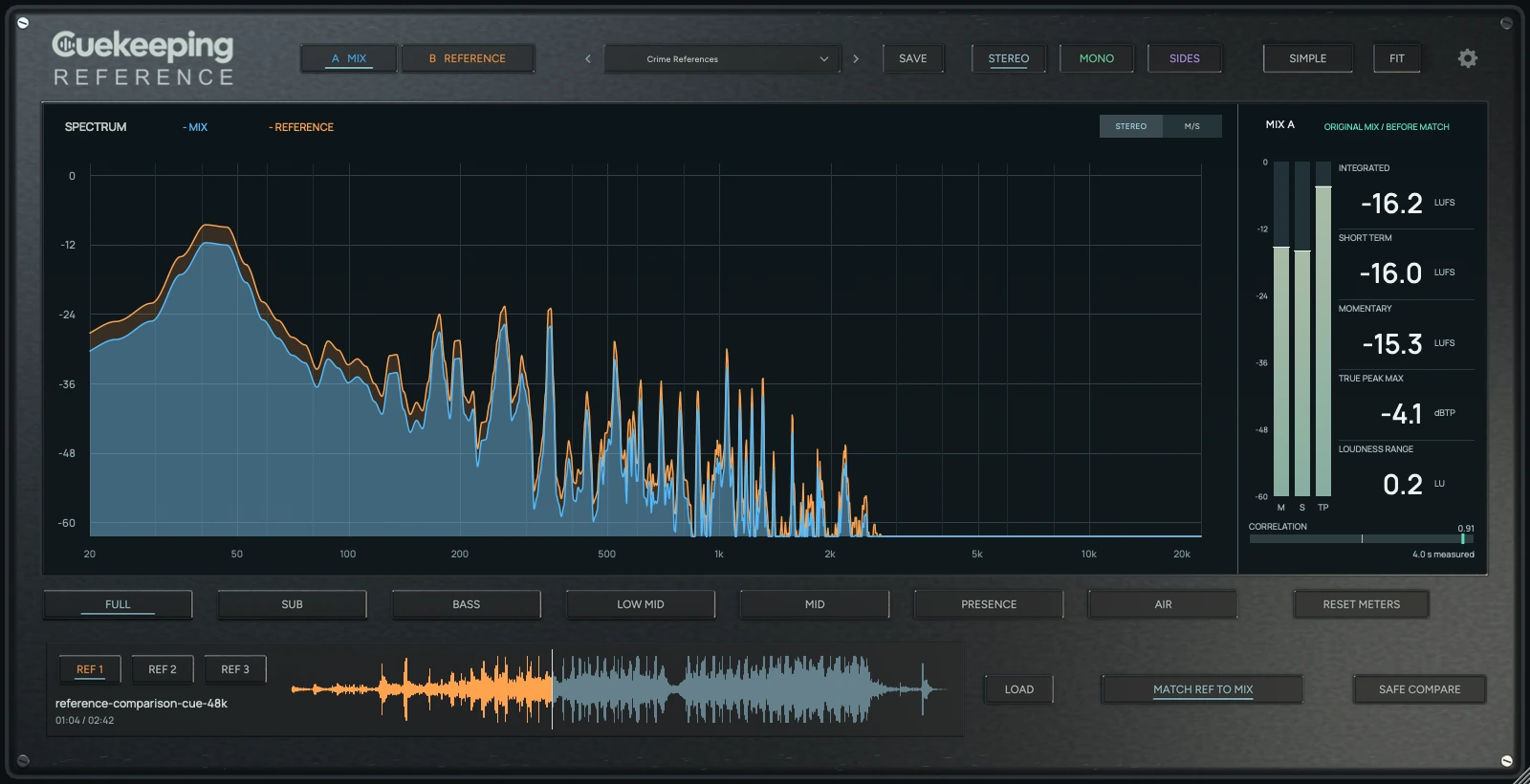
Hear your mix against the reference.
Keep 3 references beside your mix. Match the listening level, compare the spectrum and hear what changes when you focus on the low end or the stereo sides.
Choose your
format.
Try every feature free for 14 days. No card required. Open Reference in your DAW and verify your email to start its own trial.
Mac
macOS 12 or later. One signed, notarized installer includes AU and VST3 for Intel and Apple Silicon.
Windows
Windows 10 or later for x64; Windows 11 for native ARM64 / ARM64EC. Choose the architecture that matches your DAW. Windows installers are unsigned.
Every package includes its installer and user manual. Read the manual.
Mac · Windows x64 · Windows ARM
Reference
Choose your platform.
Choose the installer that matches your computer and DAW. Each download includes the user manual.
Using an x64 DAW on Windows ARM? Choose Windows x64. Native ARM DAWs use the Windows ARM package.
See it in action
Reference walkthrough
Level first. Then listen.
A louder reference can make a useful comparison hard to judge. Match brings the selected reference toward your mix's loudness. Your mix stays unchanged by default. Safe comparison allows shared listening attenuation when you need more headroom.
Find the difference you can hear.
Audition the same frequency range on both sources. Check the center in mono or listen to the sides. The analyzer can show Mid/Side independently from your listening choice.
Keep the passage in reach.
Reference follows your DAW transport. Save sections and loop the part you're comparing. Collections recall file links and settings, while each DAW project keeps its own comparison.
Keep the meters beside the mix.
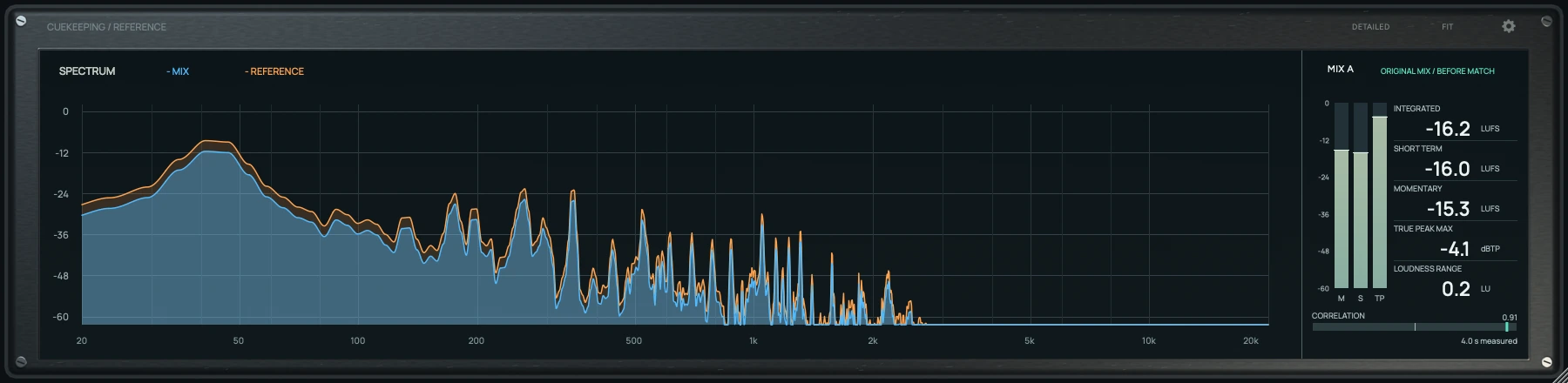
Check integrated, momentary and short-term loudness alongside true peak and loudness range. Simple view gives the analyzer and meters more room. Reset before a fresh pass and play the whole cue for a whole-track reading.
Read the Reference guide · Open the manual · Get support
How to loudness-match reference tracks · Compare your mix in Mid/Side
Interface previews use generated audio. Reference audio isn't included. Safe comparison isn't a limiter. Use the DAW timeline to seek.
Before you compare
What is Cuekeeping Reference?
Cuekeeping Reference is a mix comparison plugin with 3 linked reference slots, loudness matching, an overlaid spectrum and loudness meters.
Does Match change my mix?
The default Match adjusts only the selected reference. Safe comparison permits shared listening attenuation on the next Match. Clear match restores both gains to 0.
Can I compare the bass or stereo sides?
Frequency bands audition the same range on both sources. Mono and Sides change what you hear, while Mid/Side spectrum views work independently.
Are reference tracks included?
No. Load your own audio files. Saved collections store file links and settings, not embedded audio.
Will reference audio end up in my export?
Offline export returns the unaltered DAW mix. For a real-time bounce or internal resampling, select A, Full and Stereo and click Clear match first.
Can I seek the DAW by clicking the waveform?
No. Use the DAW timeline. Reference follows host transport and supports an offset for reference time 0.
How do the trial and license work?
Download the installer for your computer, then open Settings > License and verify your email to start a 14-day trial. Use your checkout email to activate a purchase on up to 2 computers. Read the purchase policy before buying.